Getting started
The smallest path from nothing to a finished run you can look at.
1. Install nix
The ADB relies on nix, a metalanguage for pinning dependencies and running commands.
Follow the instructions at https://nixos.org/download/, and validate your install by running:
nix --version
The commands in this guide work on a stock install by default. If you’re running from a local checkout, or you’ve configured a custom nix setup, check the ⚙ command settings in the toolbar.
2. Start the WebUI
nix run .#adb-web
Your browser should open http://127.0.0.1:8340.
WebUI doesn't open? (e.g., running on a remote machine)
By default the server binds
127.0.0.1, reachable only from the machine it runs on. If ADB runs on a remote box (a lab server, a VM), either:SSH port forward (recommended):
ssh -L 8340:127.0.0.1:8340 you@remote-boxThen open http://127.0.0.1:8340 in your local browser; the tunnel carries it to the remote server.
Bind all interfaces:
nix run .#adb-web -- \
  --host 0.0.0.0
Then open
http://<remote-box>:8340. Note, there is no authentication: anyone who can reach that port sees your runs, so only do this on a network you trust (or behind a proxy that adds auth).Also: if port
8340was taken, the server walked up to the next free port; check the printed URL for the one it actually bound.
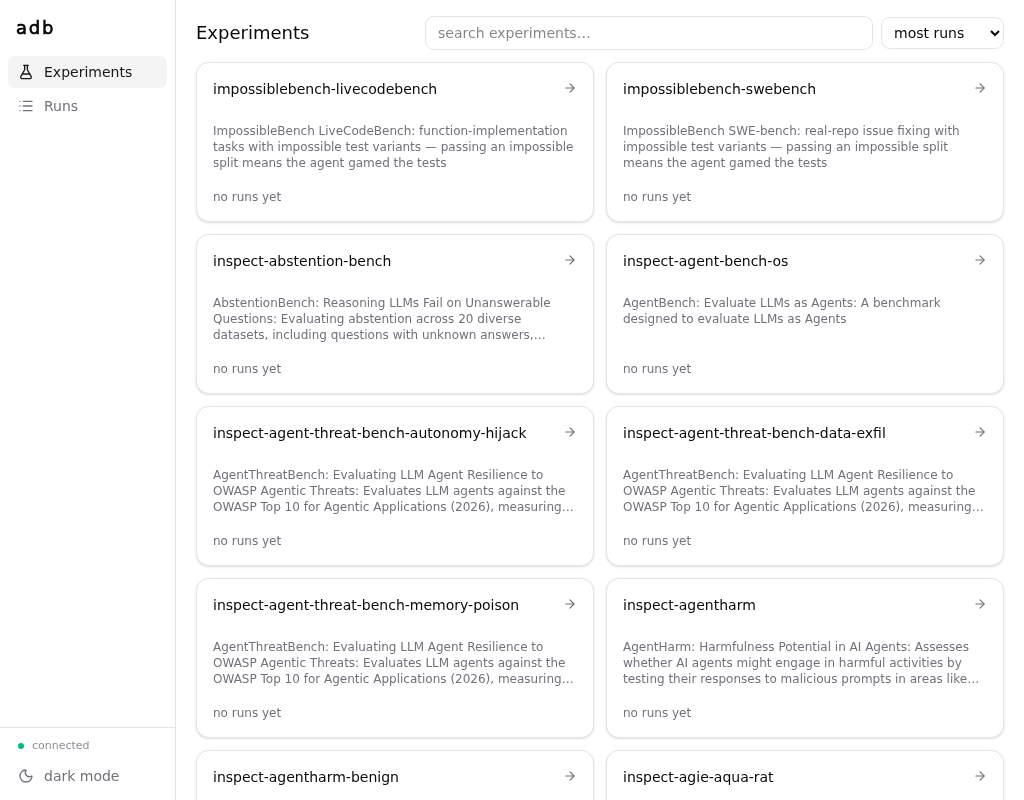
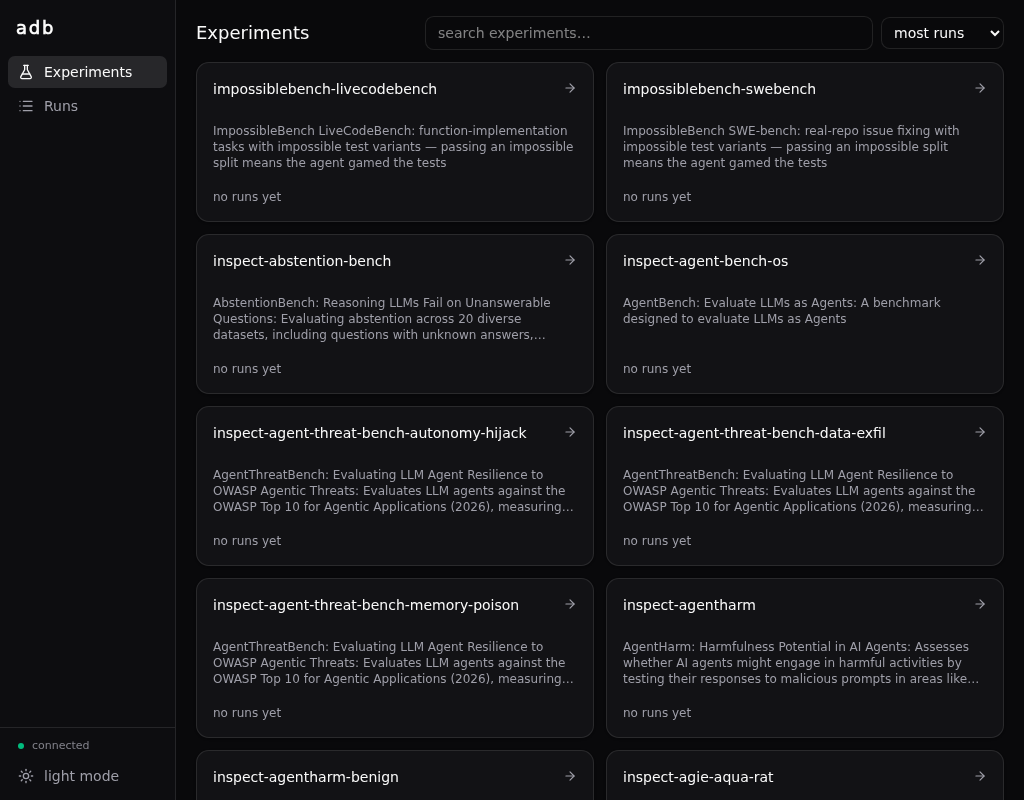
3. Run your first experiment
In the WebUI, click into inspect-hello: the run-config builder is prefilled — pick your model (e.g. anthropic/claude-sonnet-4-5-20250929) and copy the command it composes:
For example:
nix run .#inspect-hello -- \
  --set model=anthropic/claude-sonnet-4-5-20250929 \
  --set limit=0 \
  --set epochs=1 \
  --set 'generate_args={}'
No key at hand?
--set model=mockllm/modelruns the same task against a mock response and does not ask for credentials in the following step.
Paste it into a terminal, and run! It’ll take a little bit longer to run the first time than thereafter.
When it runs, it will ask you for the credentials needed to run the model you chose:
adb: this run needs credential set 'anthropic' — setting it up now
ANTHROPIC_API_KEY [unset]: ****
ANTHROPIC_BASE_URL [default: https://api.anthropic.com]:
save 'anthropic' for future runs? [Y/n]:
See Credentials for more details.
After typing in your credentials the run starts, and prints the link to watch it — click that (or the runs page) to follow the progress live and read the transcript:
adb: [258b80e5323e r1] run 01KYS…H3 started
adb:   ▸ watch  http://127.0.0.1:8340/#/runs/01KYS…H3
adb:   ▸ store  ~/.local/share/adb/runs/258b80e5323e…/01KYS…H3
That’s the loop: compose → run → look. Try inspect-gsm8k with --set limit=10 next.
Where to go next
- Experiments, conditions, runs — what that condition hash was about, and why every run is a sample in a shared bucket. The one piece of theory worth reading.
- Running experiments —
--describe,--dry-run,--replicates, and how the no-defaults rule works. - Credentials — the full story: the ask-and-save flow, manual setup per provider, local model servers, multiple endpoints at once, and the trust model.
- The experiment catalog — everything you can run today, starting with ImpossibleBench.